
Last Updated: August, 4, 2026
ISSUE
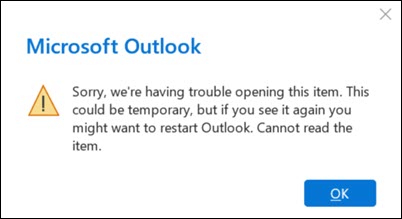
Users report receiving an error when opening an encrypted email: "Sorry, we’re having trouble opening this item. This could be temporary, but if you see it again you might want to restart Outlook. Cannot read the item.”
This issue is currently impacting users on Outlook build 2606 (16.0.20131.20126) and above when accessing externally encrypted email messages.
STATUS: FIXED
The Outlook Team has fixed the issue. You might need to restart Outlook more than once for the fix to take effect in the app.
More Resources
 Ask the experts
Connect with experts, discuss the latest Outlook news and best practices, and read our blog.
 Get help in the community
Ask a question and find solutions from Support Agents, MVPs, Engineers, and Outlook users.
 Suggest a new feature
We love reading your suggestions and feedback! Share your thoughts. We're listening.
See Also
Fixes or workarounds for recent issues in classic Outlook for Windows