
Educational standards define the learning goals and benchmarks that students are expected to achieve in specific subjects and grade levels. Microsoft has partnered with EdGate to allow educators to add standards from all 50 US states, 36 countries, and a number of supplemental standards sets. A list of supported standards can be found here.
Find and select educational standards
Select Add standards.

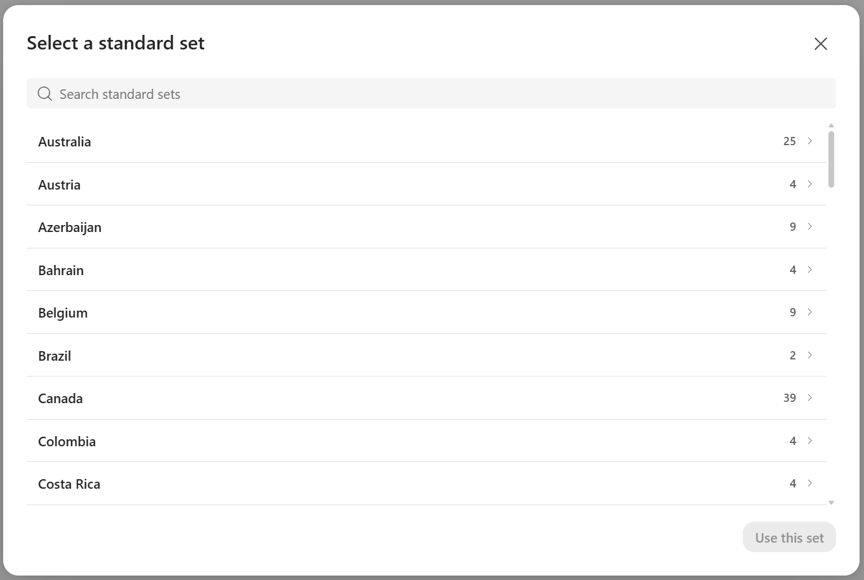
Select a Country or region from the first page. You can search for your standard set as well.
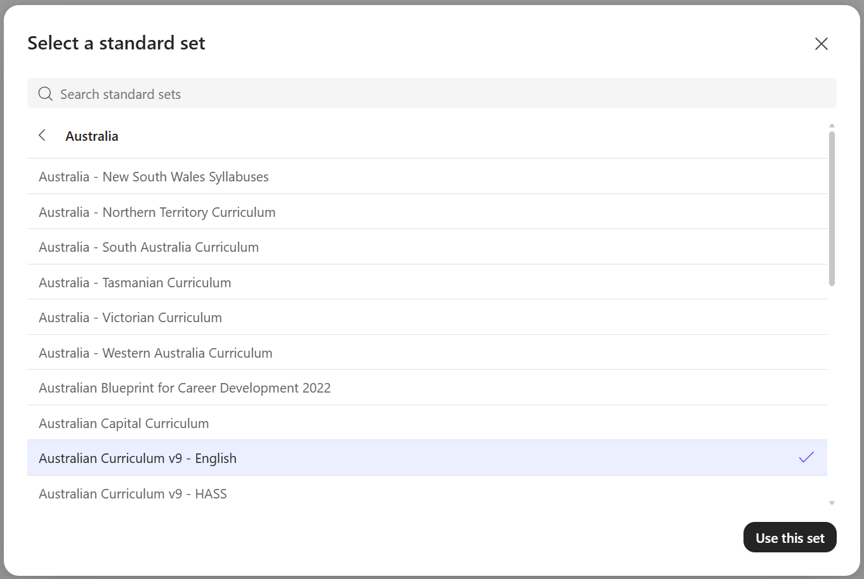
Select a standard set on the next page. You can search for your standard set as well.
Select a Grade level, Subject, and Strand from the drop downs on the next page. Standards should now populate in the standards picker.
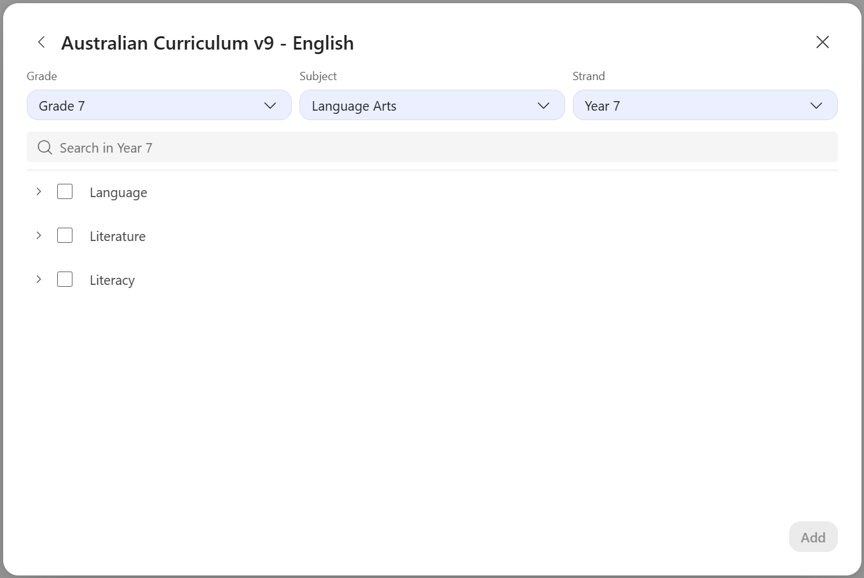
Navigate to the standards you want to select. The arrows expand and collapse standards.
Select the standards you want to add using the check boxes next to the standards. Select View Selected to view the standards you have selected.
When you have selected all of the standards you want to use, select Add.
