
As the volume of workplace content grows rapidly, you can easily create a declarative agent starting from SharePoint content to provide a goal-directed conversational experience that's powered by Microsoft Copilot. You define the agent's purpose, instructions, knowledge, and supported actions to address a business scenario.
Important
Every site comes with Copilot in SharePoint. For users with a Microsoft Copilot license, it is an upgrade to the ready-made site agent.
Upgrades are coming mid-November 2026 to agents in SharePoint. Learn more in Upgrade agents in SharePoint.
Introducing agents in SharePoint
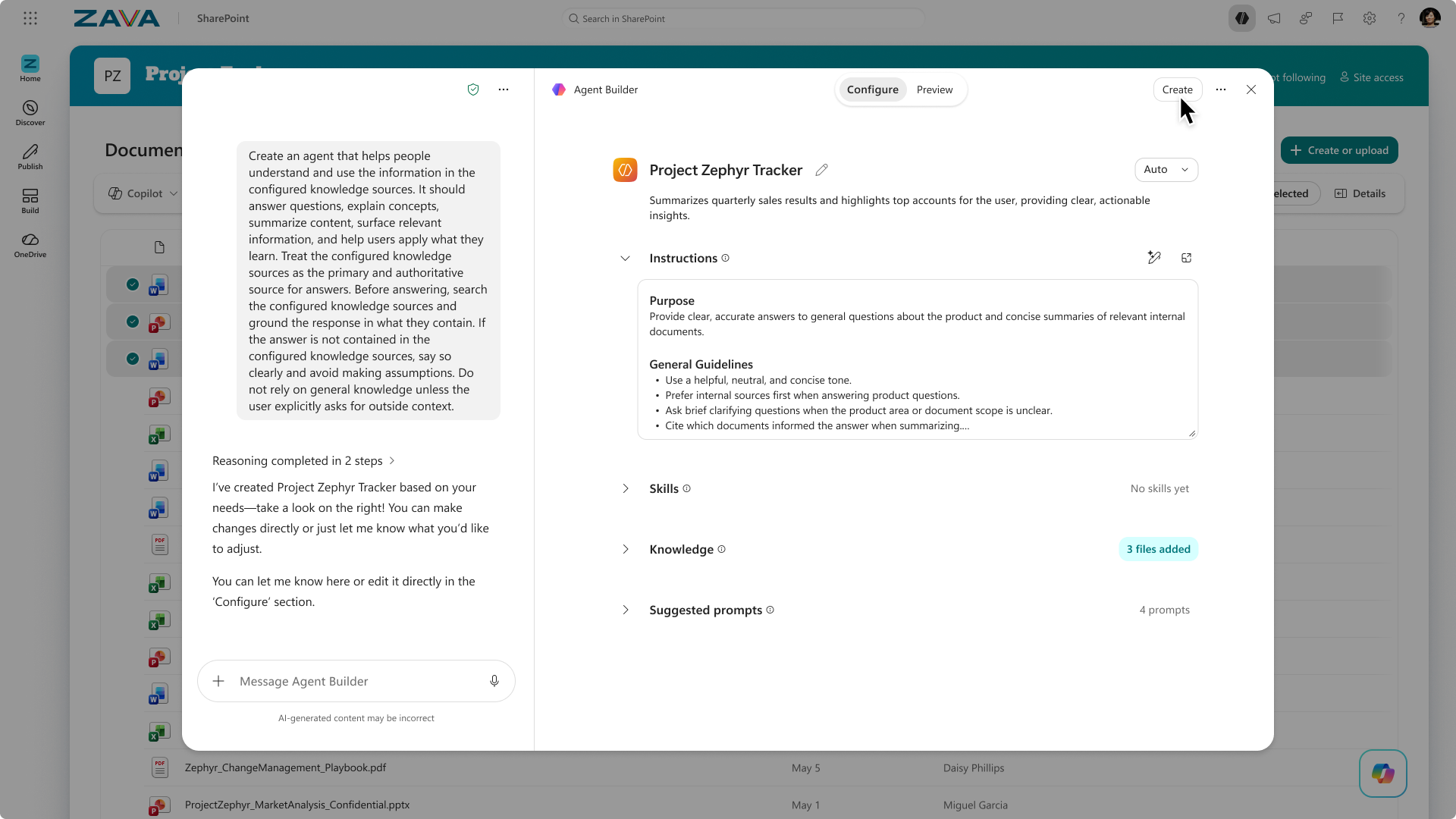
With a custom-built agent, the project manager at Zava can now include SharePoint sites and files, in addition to their team site, to create a customized agent with a wider scope and specific behaviors tailored for their needs:
Create a custom pitch script to compare Mega-300 and Mega-200, communicate the rigor of research and development of Mega-300, and the benefits of Mega-300.
What do you need to use agents?
- Microsoft Copilot license holders can create and use agents in SharePoint without an additional charge.
- If you don't have a Microsoft Copilot license, see the Copilot extensibility agent capabilities and licensing models to learn which options are available.
Interact with agents in SharePoint
When you visit a SharePoint site, you can interact with an agent. Depending on the knowledge sources of the agent, you might ask questions about specific topics, tasks, projects, and teams, and even more.
Create and edit your agent
You can create your own agent and edit an existing agent. Use the agent builder to:
- Customize its branding and purpose.
- Specify the sites, pages, and files that the agent uses as sources.
- Define instructions and prompts that match the agent's purpose and scope.
FAQ and data handling
To learn more about agents, see Frequently asked questions.
For more information on how Microsoft Copilot works, see Data, Privacy, and Security for Microsoft Copilot.