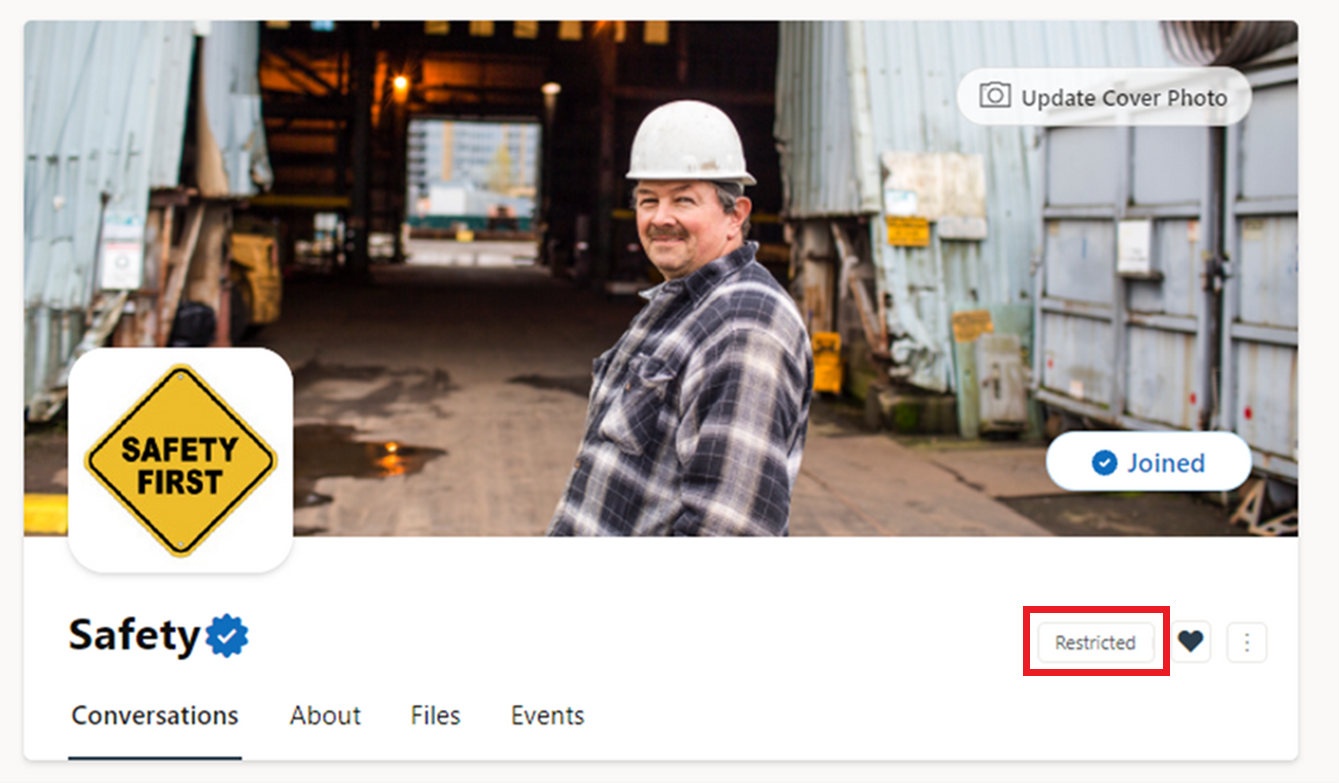
Restricted posting allows network admins to manage conversations that take place in key communities within their network. Once this setting is enabled, only community admins have the ability to start a thread in the community. Members can only reply and react to conversations.
To set up or remove restricted posting
Note
To enable this setting, a community admin must grant community admin status to a network admin. The network admin then takes the following steps.
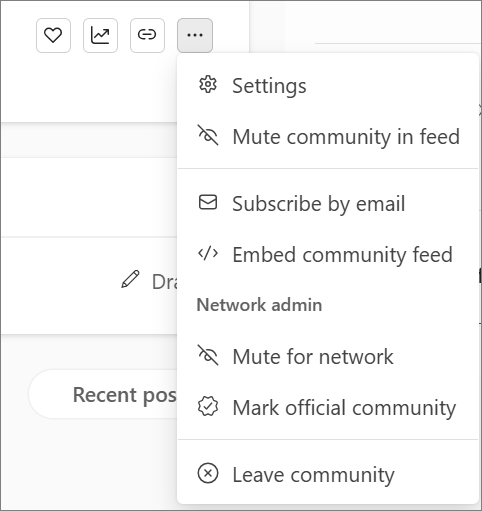
- In the community, select More
 , and choose Settings
 .
.
Under Configuration > Posting permissions, use the toggle to select Open or Restricted.
Note
A restricted community remains restricted in the Viva Engage app in Teams, SharePoint web parts, and Outlook.
What community members see
On web and mobile, non-admins will simply not see the option to post in the community.
On the web, users will see Restricted to the right of the community name.