

If Windows displays an error message saying "Can't open file" or "Make sure OneDrive is running", follow the steps below:
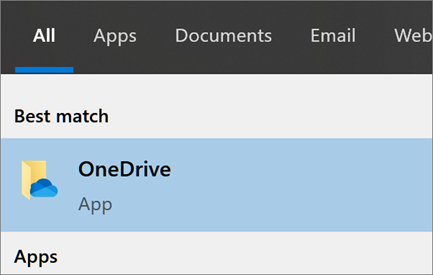
- Select the Start button, search for “OneDrive”, and then open it.
- Select the OneDrive desktop app.
If Windows displays an error message saying "Can't open file" or "Make sure OneDrive is running", follow the steps below: